Patient observation, verified
Patient rounds. Proof of presence.
Verify staff presence, document observations, and track rounds across your unit.
Ward pairs proximity-verified observations with elopement and fall detection, unit dashboards, and compliance reporting.
Now accepting early access requests.
 Ward09:41
Resting comfortably. No signs of distress.
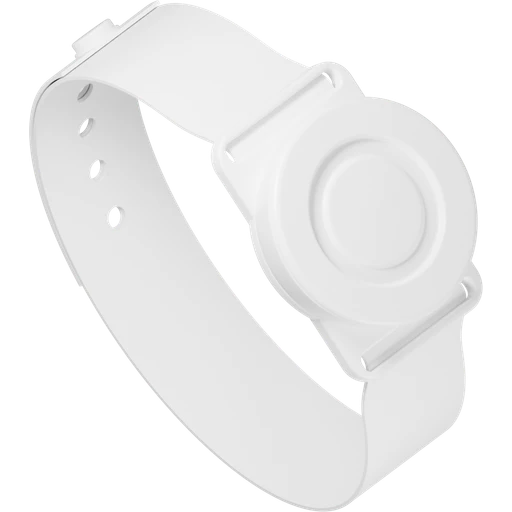 Patient wristband
For inpatient care teams
Behavioral healthAcute careLong-term careWhy verify presence?
Record staff presence
alongside the observation.
A completed checklist doesn’t establish that staff were near the patient. Ward records proximity verification with each observation. When staff document an override, the reason stays in the record.
The observation workflow
How a verified
observation works
Follow an observation from the patient’s bedside to their history.
Staff deviceWard09:41Resting comfortably. No signs of distress.
Patient history
Observation documented.
Saved to the patient’s history.
- Patient
- Alex Morgan
- Observed at
- 09:41 AM
- Documented by
- Jamie Lee, RN
- Observation
- Awake & calm, in bed
- Verification
- Proximity verified
Interactive walkthrough Sample data
When proximity cannot be verified, staff can document an override reason. That distinction stays in the record.
The Ward platform
Patient rounds
and unit oversight.
Document observations, review active alerts, and track compliance.
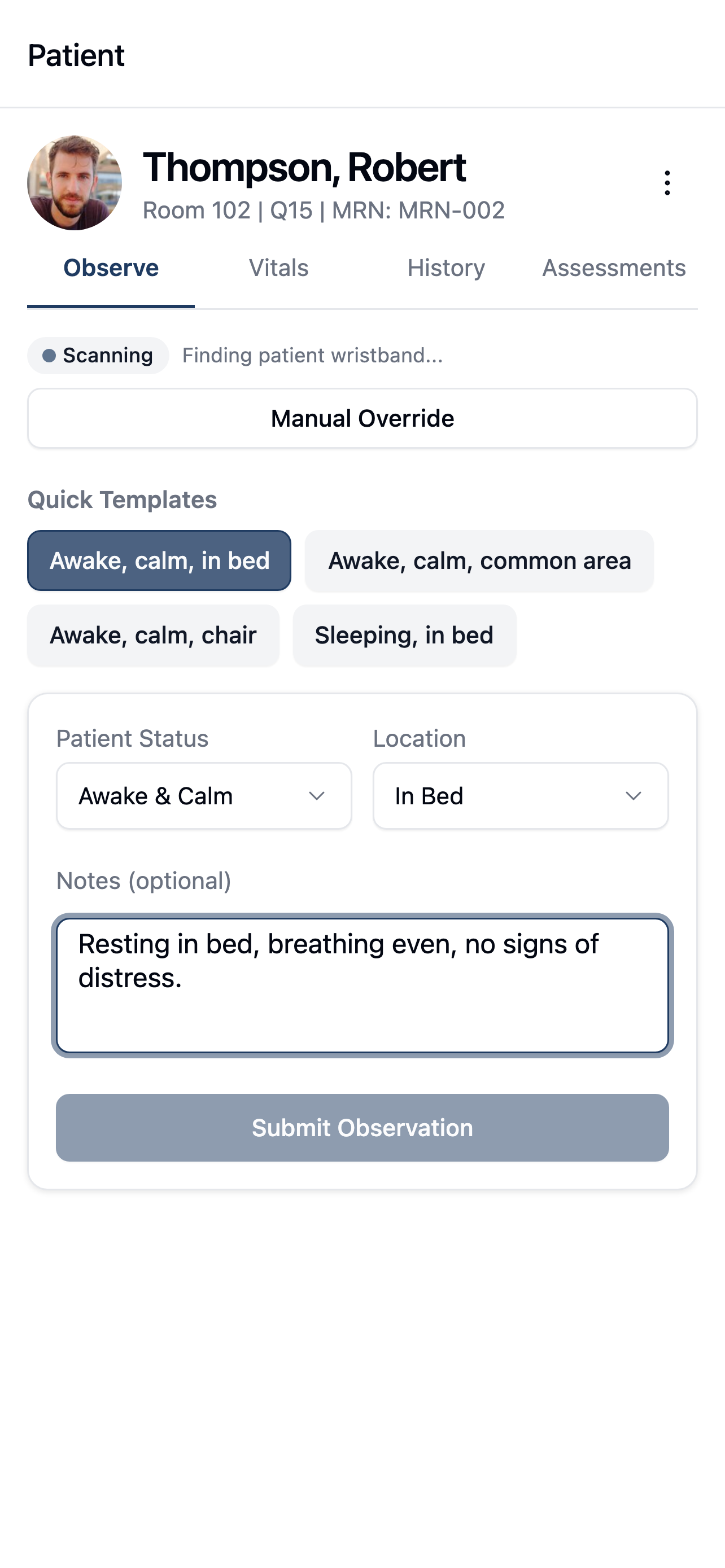
Document observations
at the bedside.
Review patient details, record observations, and enter vitals from the mobile app.
- Proximity-verified observations
- Vitals and assessments together
- Record observations offline
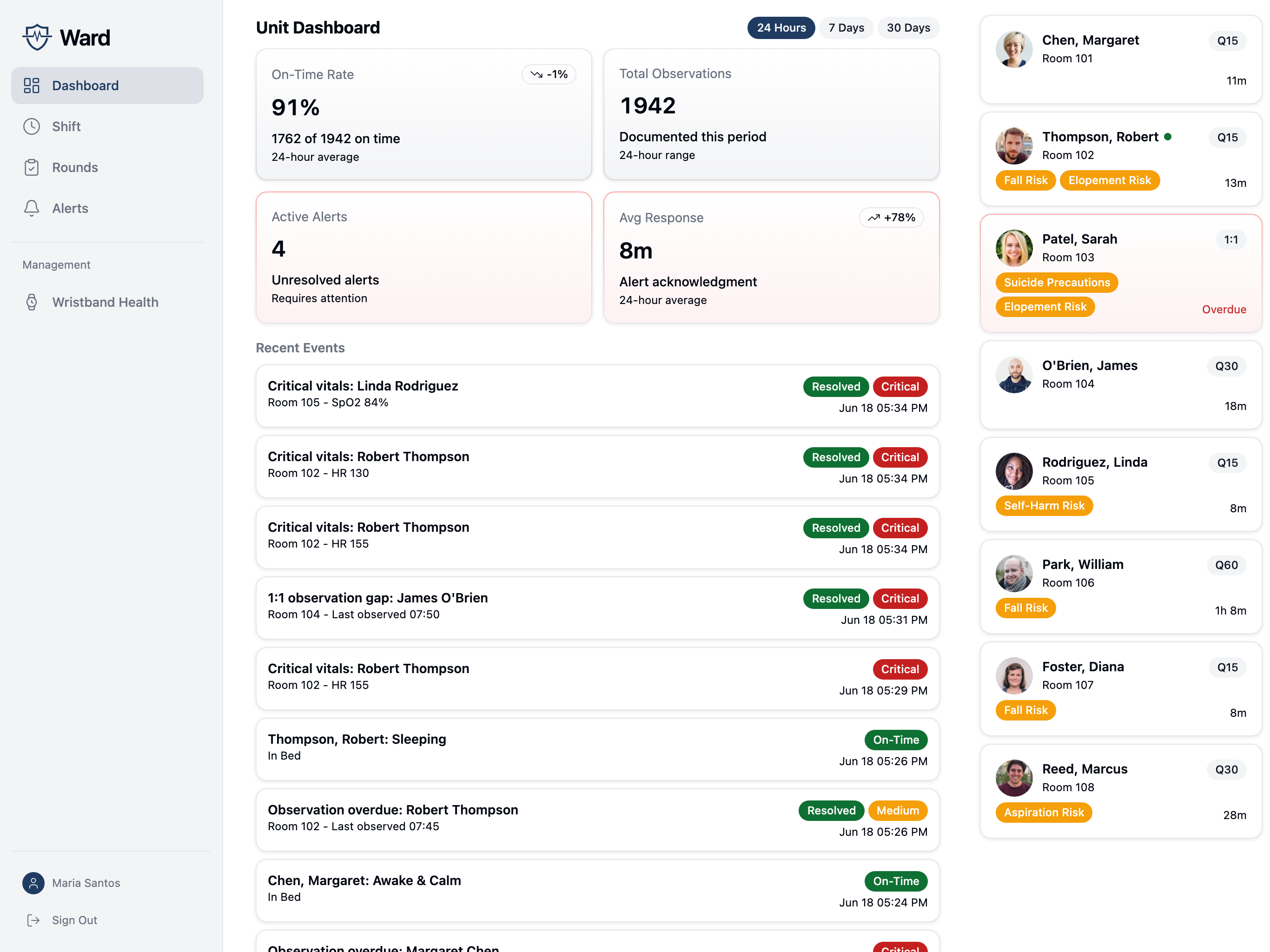
A shared view of your unit.
See observation status, recent activity, and active alerts across your unit.
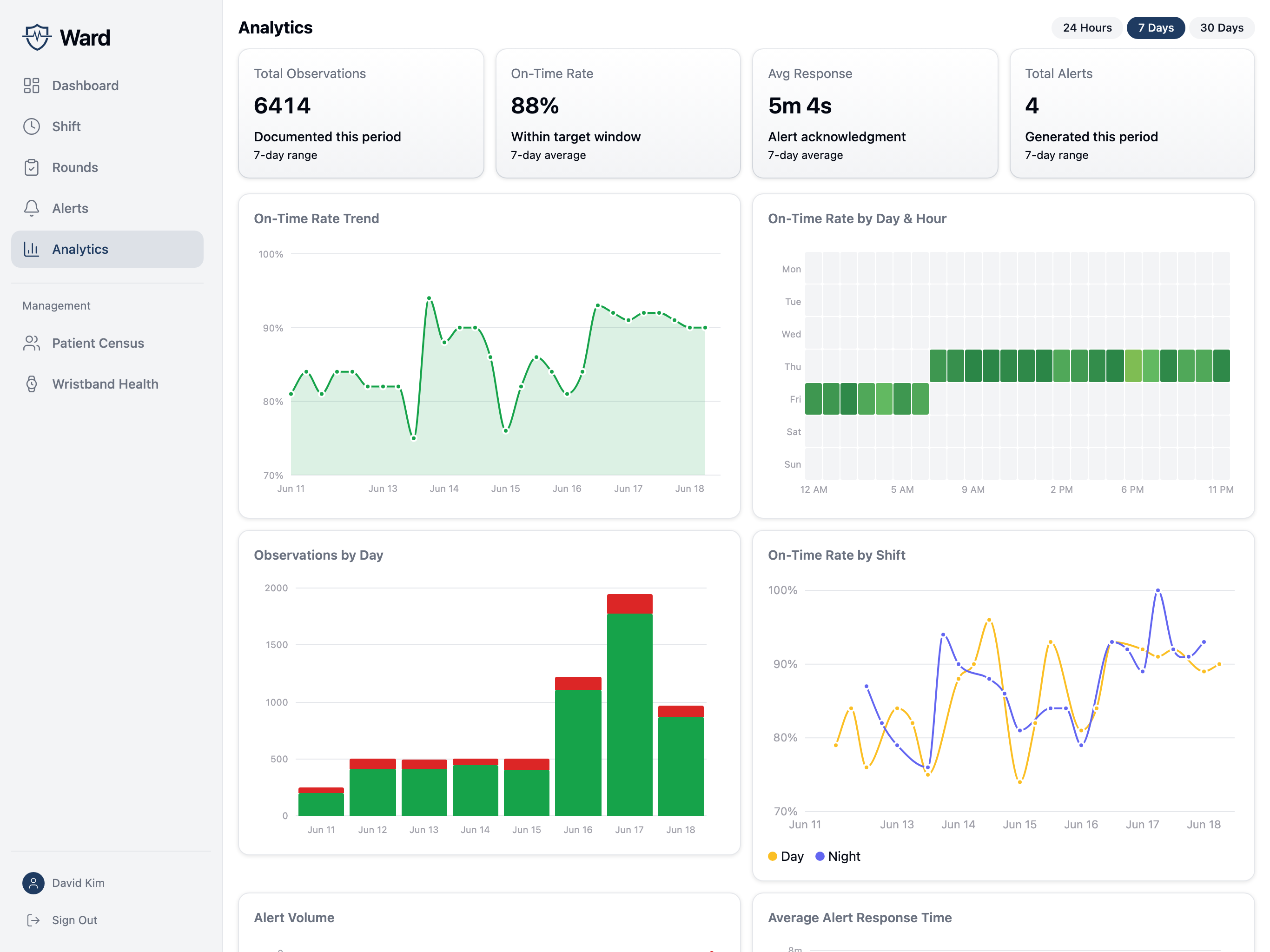
Track observation compliance by unit and shift.
Review on-time observation trends, activity by shift, and alert response times. Export reports as CSV files.
Facility setup
Configured for
your facility.
Set unit protocols, connect your EMR, and control access to patient information.
Explore security & privacyUnit-specific protocols
Configure observation intervals, proximity thresholds, and nighttime protocols for each unit.
Elopement and fall alerts
Staff receive alerts for detected falls and elopement events alongside observation alerts.
EMR integration
HL7 ADT and FHIR integrations connect patient information and clinical documentation with your EMR.
Role-based access
Facility-scoped access, enterprise SSO, and multi-factor authentication for elevated roles.
Early access
Bring Ward
to your facility.
Leave your work email and we’ll contact you about early access.
Only updates about Ward. No spam.
Your information is handled under our privacy policy.
You’re on the list.
Thanks for your interest in Ward. We’ll be in touch soon.